
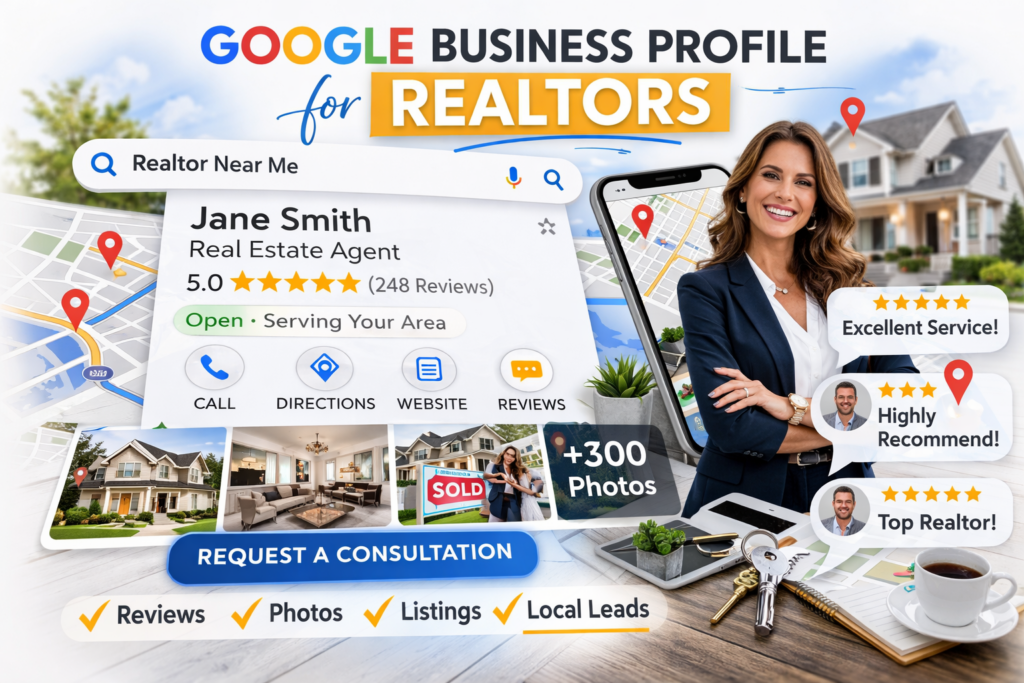
If you’re consistently closing 24+ homes per year, you already know that referrals and sphere aren’t enough to fuel consistent growth. Buyers and sellers are searching Google for top real estate agents every day — and if your Google Business Profile for Realtors isn’t optimized, you’re essentially invisible to them.
A Google Business Profile isn’t just a digital listing — it’s one of the most powerful visibility assets a high-producing agent can own. When done right, it brings:
- More inbound calls
- Higher-quality leads
- Stronger first impressions before the initial consultation
This guide walks through exactly how to set up, optimize, and maintain your profile — with simple weekly habits that support your production goals without adding hours to your week.
If you want consistent visibility in local search (and more leads that convert), you’re in the right place.
Want this built for you instead of doing it yourself?
ProFile Plus++ helps high-producing agents automate their online presence and generate visibility without overhead.
“This guide is written for real estate agents who want to generate more local leads and calls — not SEO experts.”
How to Set Up a Google Business Profile for Realtors
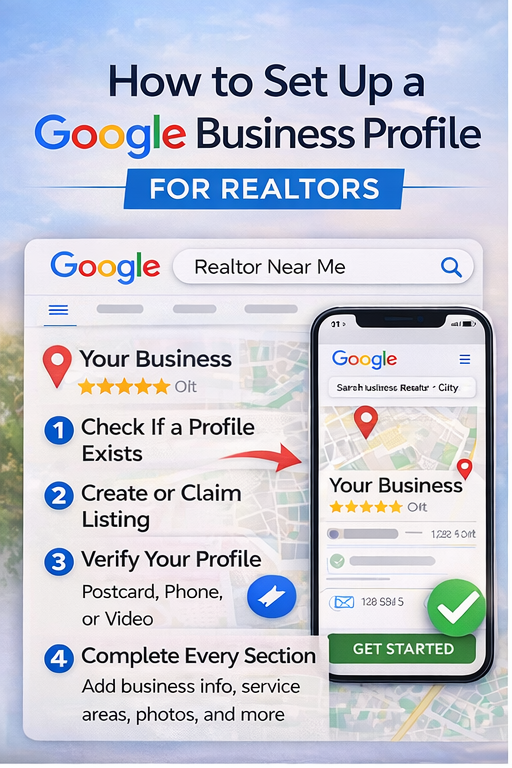
Step 1: Check If Your Listing Already Exists
Before creating a new listing, search your name and city in Google. If a Google Business Profile for Realtors already appears, claim it instead of creating a duplicate.
Step 2: Create or Claim Your Profile
Sign into your Google account and start the setup process. Enter:
- Your business name
- Your primary category (Real Estate Agent)
- Your service areas
Choose whether you operate from a physical location or as a service-area business.
Step 3: Verify Your Business Profile
Verification unlocks full management features. Google may offer verification by:
- Postcard
- Phone
- Video
Complete this step immediately so your Realtor Google Business Profile becomes active.
Step 4: Complete Every Section
A partially completed profile limits visibility. Fill out:
- Business description
- Services
- Service areas
- Hours
- Contact info
- Website link
- Photos
The more complete your Google Business Profile for Realtors, the stronger your local search presence.
Want a Checklist to get everything ready before you start?
If you want to knock this out in one sitting, use this:
What Realtors Must Fill Out for Maximum Visibility
Google doesn’t publish a single “scorecard,” but in practice, the profiles that perform best are the ones that are fully completed, consistently updated, and media-rich.
Here are the fields that matter most, plus practical minimums:
Business name
Minimum: Use your real-world branding (keep it consistent across all online channels).
Tip: Avoid keyword stuffing—keep it legitimate.
Choosing the Best Categories
Your primary category should be “Real Estate Agent.” Add 2–4 relevant secondary categories.
Adding Service Areas
List the cities and ZIP codes where you actively work. Accurate service areas improve local rankings.
Writing a Strong Description
Use your description to clearly explain:
- Who you help
- Where you serve
- What makes you different
Keep it client-focused, not résumé-focused.
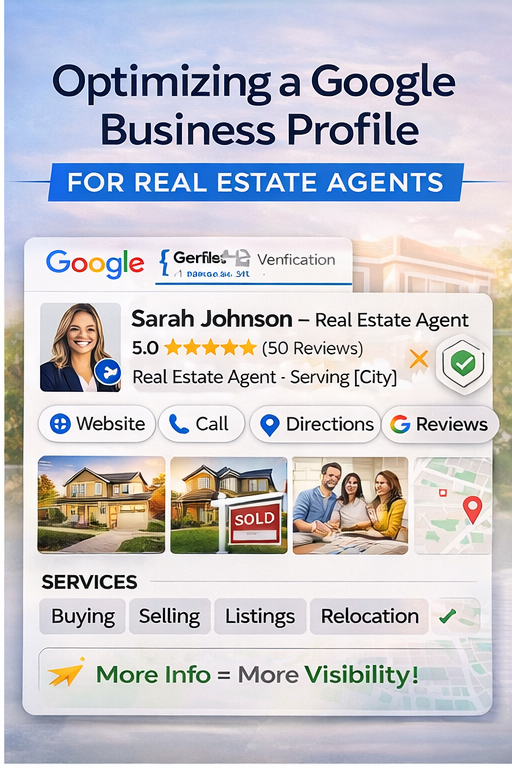
Adding Services to Your Google Business Profile for Realtors
Add at least 6–10 services such as:
- Buyer representation
- Listing agent
- Relocation services
- New construction
- Luxury homes
Services increase the number of search terms your Realtor’s Google Business Profile can appear for.
Photos That Strengthen Your Google Business Profile for Realtors
Start with 15–25 high-quality images:
- Headshot
- Logo
- Listing photos
- Closing photos
- Community images
Over time, aim for 300+ photos for maximum engagement.
Reviews on Your Google Business Profile for Realtors
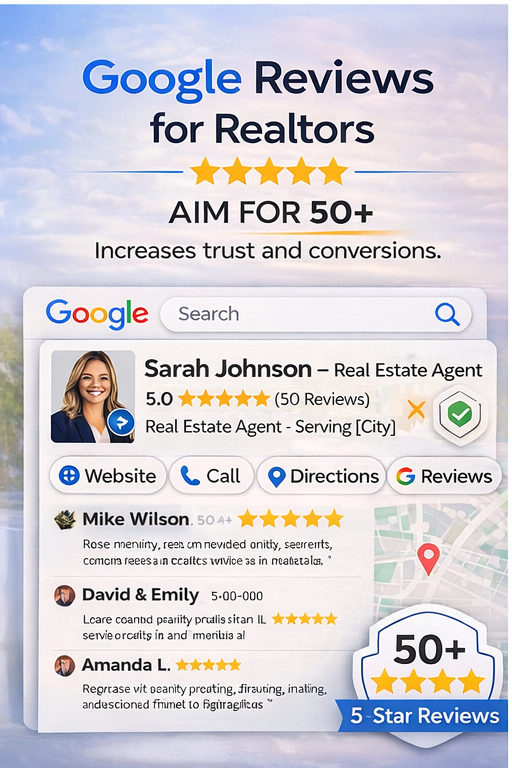
Reviews directly impact trust and conversions.
Pro Tip:
- Request 2–3 reviews per week.
- Aim for 50+ reviews minimum.
- Respond to every review.
Phone + website
Minimum: A phone number and a website/landing page you control
Tip: Add a booking/consult link on your website so GBP traffic converts.
Hours
Minimum: Set hours even if you’re appointment-only (be clear + accurate).
Reviews and Why Realtors Need 50+ and responding
Minimum: Start with 10, then build consistently; reply to every review.
Google provides tools to request reviews (including share links/QR options in the profile experience).
Posts -updates, offers, events
Minimum: 1 post per week (listing, under contract, testimonial, market tip)
Posting is a built-in feature of Google Business Profile.
Messaging/contact options if available in your account
Minimum: Turn it on only if you can respond quickly.
Q&A
Minimum: Seed 3–5 common questions (and answer them).
Examples:
- “Do you work with first-time buyers?”
- “Do you offer listing consultations?”
- “Which neighborhoods do you specialize in?”
Pro Tips to Grow Faster With Your Google Business Profile
These are not Google requirements—but they’re simple targets that tend to correlate with stronger conversion and visibility over time:
- Aim for 50+ reviews minimum (and keep going).
The bigger advantage is consistency: a few new reviews every month beats a big one-time push. - Aim for 300+ photos over time (closings, listings, community, behind-the-scenes).
Google explicitly encourages adding photos and provides clear media guidelines. - Reply to every review (yes, even short ones). It signals activity and trust.
- Use a “review flywheel” after every closing:
- Text/email the link
- Remind once
- Screenshot and reuse the testimonial in a GBP post
- Post like a local expert, not a marketer:
- “3 things buyers are missing in [City] right now”
- “Just listed in [Neighborhood] — here’s what matters”
- “Under contract in 4 days — pricing strategy that worked”
The Realtors who treat their Google Business Profile like a weekly marketing system see the biggest compounding results.
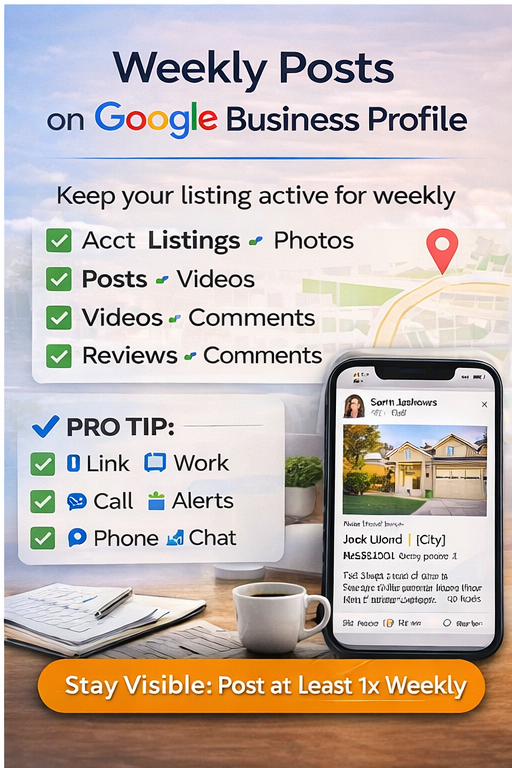
Weekly Google Business Profile Tasks for Realtors
Here’s the simplest cadence that works for busy agents: A simple 15-minute weekly rhythm that compounds visibility and leads over time.
- Request 2–3 reviews + respond to all reviews
- Add 5–10 new photos
- Publish 1 post
- Check Insights and note what’s working (calls, website clicks, direction requests)
Google’s help resources emphasize ongoing management—posts, photos, and review engagement are core features inside GBP.
Need Help Managing Your Google Business Profile? ProFile Plus++ Can Help
If setting up your profile, creating weekly posts, building a review system, and keeping your photos organized sounds like one more thing you don’t have time for… that’s exactly what ProFile Plus++ is for. We help agents build real leverage so your online presence grows while you stay focused on clients and closings.
Overwhelmed Managing Your Google Business Profile for Realtors?
If setting up and maintaining your Google Business Profile for Realtors feels like one more thing on your plate, ProFile Plus++ is here to help.
We help agents build leverage by:
- Managing online visibility
- Creating consistent content
- Building review systems
- Supporting long-term brand growth
Because your time should be spent closing homes — not uploading photos at midnight.
FAQs Realtor Google Business Profiles
Yes, creating and managing a Google Business Profile is free.
While there is no required number, aiming for at least 50 reviews builds trust and improves visibility.
At a minimum, once per week to signal activity and engagement.
Yes. A fully optimized profile increases visibility in local search and Google Maps, driving calls, website visits, and directions requests.
If your brokerage allows you to use the office address and you regularly meet clients there, you can — but it’s often better for agents who work in the field to list themselves as a service-area business. This avoids exposing your home address and helps Google associate you with the areas you actually serve.
The key is consistency — your address/service area info should match what appears on your website and in other directories.
A valid Google review must:
-Be submitted by a real person with a Google account
-Reflect a genuine experience with your service
-Not be incentivized or purchased in any way
Google prohibits fake or solicited reviews that aren’t authentic. Ask every client for honest feedback after closing, and always respond to both positive and negative reviews professionally.
Yes. You can absolutely feature:
-New listings
-Just listed
-Under contract
-Just sold
-Open houses
-Market updates
Use the “What’s New” or “Update” post type and include:
-A strong photo
-A short description
-A call-to-action (Learn More, Call Now, etc.)
These posts help keep your profile active and signal relevance to Google.